Interactive Map View in Resco Mobile CRM
Online maps have already become a common part of our lives. When we look for an address, restaurant, hotel or other point of interest we use Google, or Bing maps to find that place and a way how to get there. When using a mobile device this feature is even more interesting, since one can easily look for a restaurant, or hotel, near to their position. But how about using this functionality in a CRM mobile client?
Resco Mobile CRM provides an interactive map as an alternative view of accounts, contacts, leads, or any other records, which have GPS coordinates. That means that the map shows you all your CRM related objects that are located near the current position as a pin. Moreover, the map component is fully interactive, which means that you can zoom in/out, filter over the displayed pins using integrated filter, search for a specific account, contact etc. in the embedded search box and tap a pin for a detailed info about the related object. And this is just the beginning. In the future version of Resco Mobile CRM you will be able to switch all relevant views between standard list and map view. It looks like Mobile CRM is no more only a lite version of a desktop client. Moreover, it is the main client platform.
Old School Mobile Devices Collection
We were doing a little cleaning works this morning and bumped into a box of old devices. After we blew away a ton of dust, a heap of memories emerged. Dinosaurs, such as HP iPAQs, Compacts, Palm Treos, Tungstens, Samsungs, HTCs, Nokias, Mios, Dells, Sonys and even a predecessor of netbooks SHARP HC-4600 (on the 4th picture) running Palm OS, Pocket PC or the very first versions of Windows Mobile lit up our eyes.
It was a great start of the day. Here are a few pictures:
Woodford Tool
Resco Mobile CRM is mostly known as a developer platform requesting deep programming skills to perform customizations of the mobile app. The time is changing and so does Resco solution.
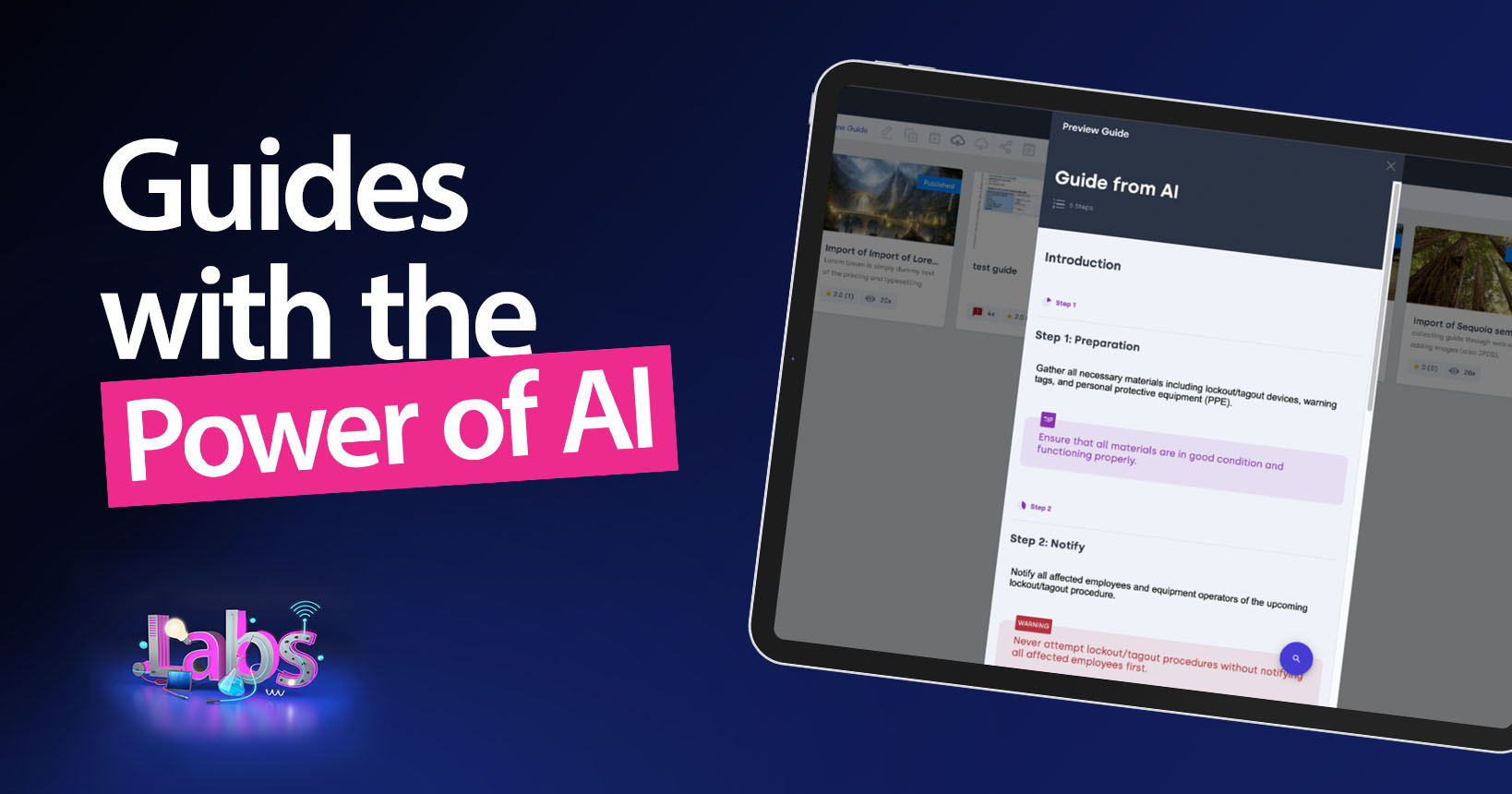
Not only is it a complex developer platform. It is a packaged solution you can configure with an easy-to-use configurator called Woodford. This tool has a Microsoft Dynamics CRM 2011-like UX, which is so easy to get familiar with. You can configure and customize the app, e.g. add custom entities, modify UI, define multiple views, create filters, sync filters, redesign the dashboards, maps, support multiple CRM roles and many more. The deployment of customizations is super simple; the mobile app detects a new customization that was published by Woodford and applies the changes right after the synchronization.
This is Woodford at your service—try it now.
Check how to redesign a dashboard:
Resco Mobile CRM Android version
While most of the mobile CRM providers haven’t yet a ready-to-market Android app, or are only in the development of their first version, Resco Mobile CRM Android app has been in the market for over a year now. So we’ve had enough time to eliminate the bugs, make significant improvements, and release a Tablet version.
Moreover, we also incorporated many useful features based on the feedback from real users. We are proud to announce that we have successfully implemented Resco Mobile CRM Android to number of well-known customers.
Following videos demonstrate the app on Android devices:
That’s not all. Just a few weeks ago we passed the test for the Motorola Solutions’ ET1 ruggedized industrial Android based device.
And recently we released a new version optimized for a low-end Android based device Amazon Kindle Fire, which is now one of the bestselling tablets in the USA.
Samsung Galaxy Note: First impressions of a supersized phone.
Samsung has entered a very thin ice and brought a device that combines the advantages of a phone and tablet and ads something in addition. Read more…
Replacement for Windows Mobile device
So there comes the time I had to start looking for a replacement. As a Resco member, I’ve been working with the whole variety of available mobile systems. Nokia’s Symbian was probably a step aside, and i didn’t even think about it. iOS was removed from the list for its closed environment, the Windows Phone too, so only Android remained. i knew it is not very intuitive system, but offered at least as many possibilities as the beloved Windows Mobile. Read more…
Mobile CRM Sync Set up
If you use Microsoft Dynamics CRM and now look for a convenient mobile add-on, you can easily grab an app that offers full functionality and no time limitation—Resco Mobile CRM app. As it is available for free on the most popular platforms (iPhone, iPad, Android, Android tablet and Windows Phone), there are tens of thousands of users globally.
Some of them slip into little confusion when setting up the sync with the Dynamics CRM server. Therefore, we created a new User Sync Guide. Check the app yourself and if having issues with the sync setup, use the new manual.
Mobile technology increases business productivity
Recall the year 2007. Many companies were spending on unimportant things. They were spending on new cars, buying expensive office equipment and hiring top industry executives with enormous salaries. Year 2007 is gone and world recession has struck many companies nowadays. Companies suffer heavily from overspending and they struggle to maintain their profitability. A lot of them went bankrupt. Other are downsizing and selling its equipment. How can a company with less people produce more output? Managers and owners figured out that the only way to stay on the market is to increase their productivity. Do more with less resources is vital to any business that wants to survive this era. Mobility might be one of the answers to overcome the impact of the crisis. Read more…
My Microsoft Pocket PC and Windows Mobile History
The story began about a decade ago. I started to be bored with the possibilities of a simple mobile phone and was looking for something more sophisticated. After finding out that something like PDA (Personal Digital Assistant) exists, I focused mainly on the Microsoft Pocket PC. Read more…
Ellis Hayes Realty Group provides real estate brokerage and management services for landlords and tenants, buyers and sellers in the New York City area. Ellis Hayes Realty Group actively use Microsoft Dynamics CRM. Their sales agents were seeking for a modern and competitive approach to manage their daily operations and activities. As realty market is turbulent and instant access to opportune information is crucial, they needed a mobile app to stay ahead of the competition. There was also a requirement to make available their custom entities and custom fields on the mobile device.
The decision was made to use Resco Mobile CRM app and Woodford—easy to use customization tool. After doing the customizations in Woodford, Ellis Hayes shot a short video to show their sales agents how to apply the customizations. Great success came naturally and here is the instructional video showing the customized Resco Mobile CRM app.